Here is my price list link in United States dollars
Pricing CLICK HEREFAQ
Please Check this link for queue line. Order-Tracking Keep in mind I offer fast delivery with in 72hrs comes in Premium package only.
Step 1: go to Trading paints website on Top Choose My paints then choose what i'm Racing.
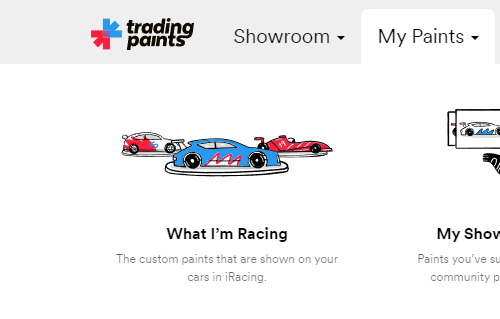
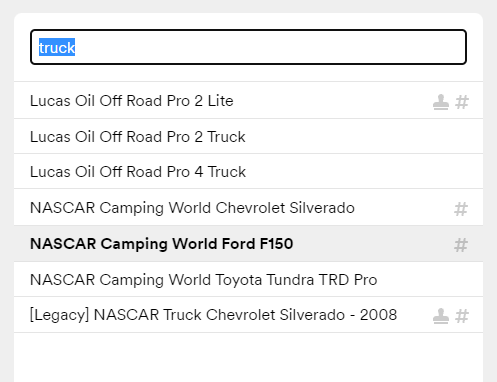
Step 2:Type the name of the car you want to add Banner on.
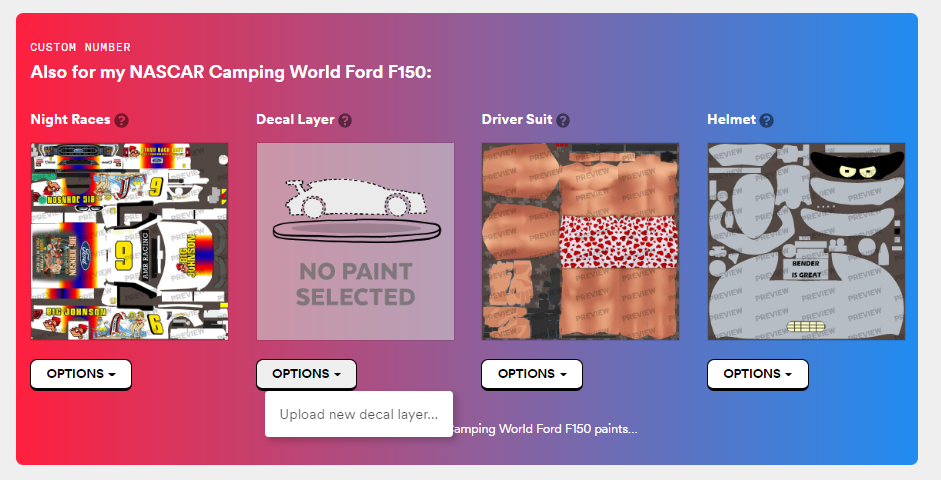
Step 3:Scroll down under decal layer click Options then click Upload new decal layer
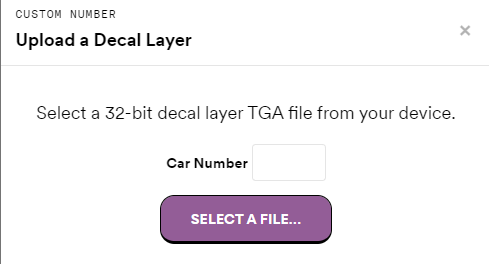
Finally, Do not put car Number Click Select file and choose the banner file you downloaded.
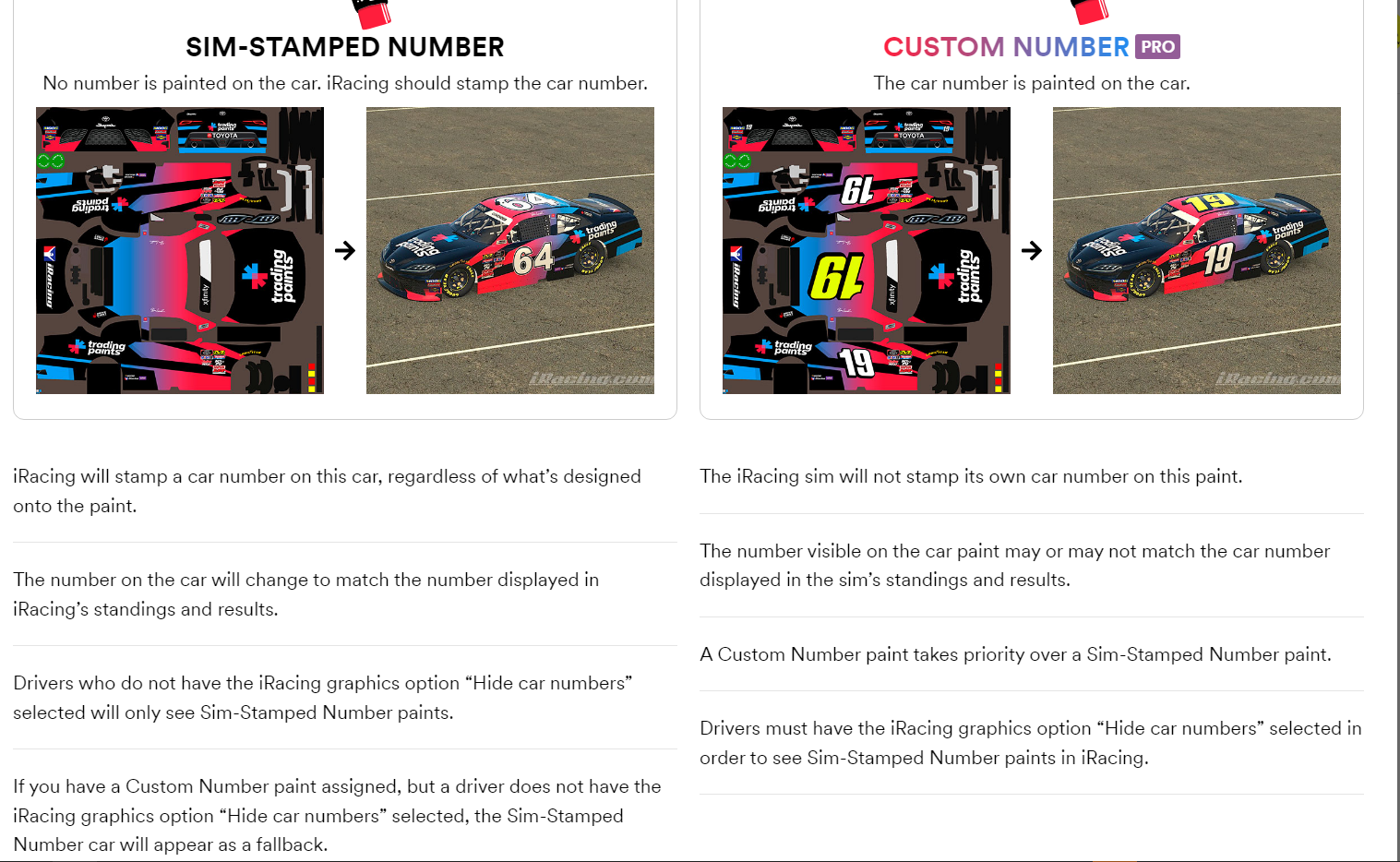
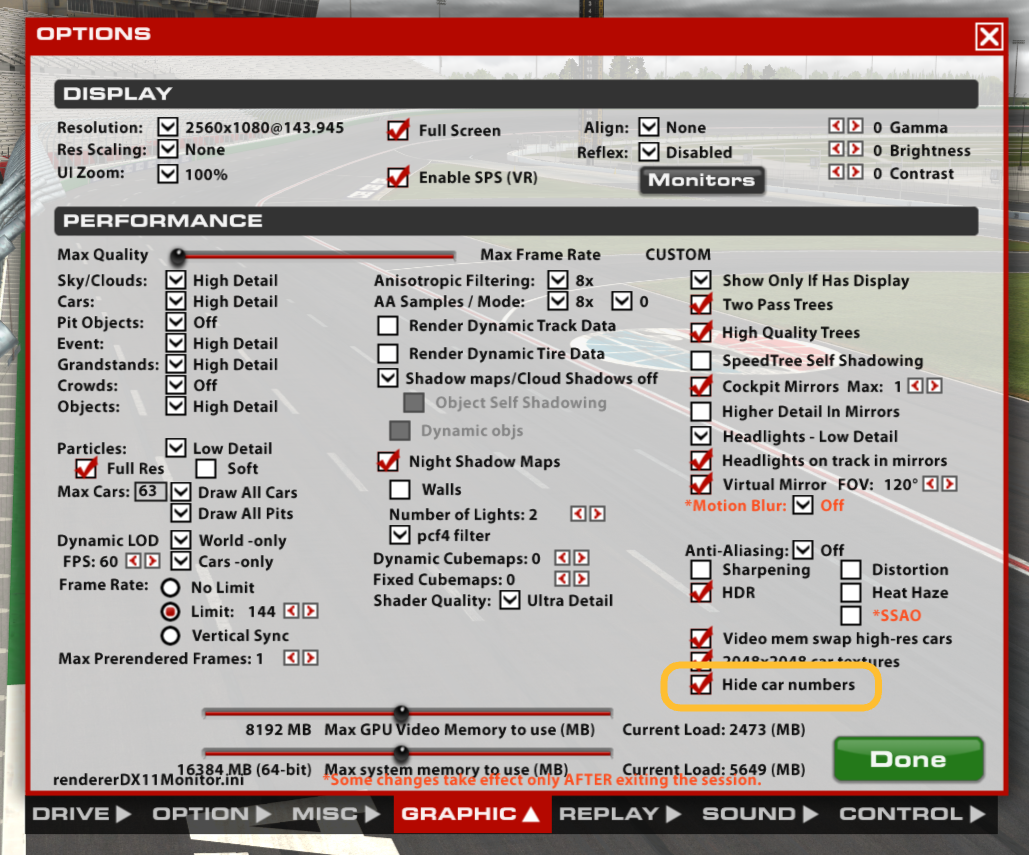
Make sure Hide Sim Stamp Number box is checked under graphics settings
If you can’t see your custom paints in iRacing but others can:
1. Make sure Trading Paints Downloader is installed, running, and has "Update My Own Paints" checked under Advanced Options.
2. Check that your antivirus and firewall allow Trading Paints Downloader to function.
3. If using a Custom Number paint (Pro members), ensure "Hide numbers…" is enabled in iRacing’s graphics options.
4. Delete the "paint" folder in Documents/iRacing (this clears local paint files).
5. Restart Trading Paints Downloader (right-click its system tray icon) and the iRacing sim.
6. If recently reinstalling Windows, iRacing, or Trading Paints, join a few official sessions to sync your User ID.
There isn’t a single best option; they all fall under image editing software. Any of them can achieve the same result in the end, but they have different user interfaces and approaches. It’s a good idea to use more than one software and think of them as a Swiss Army knife—each one excels at specific tasks.
1. Open the iRacing camera tool (default shortcut:Ctrl + F12).
2. Adjust the camera angles until you're happy with the framing.
3. Once ready, press Windows + Shift + S to take the screenshot.